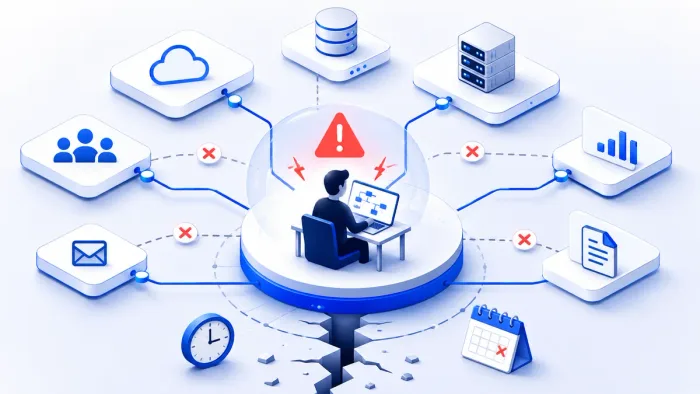
A customer calls in because their order didn't sync. The support agent can see the failure in whatever dashboard they have access to, but the error reads like a stack trace, and the only permission they have is to open a ticket and wait for engineering to look at it. Twenty minutes later an engineer confirms what the support agent could have guessed: a stale shipping address caused a validation failure, and retrying it after a correction would have fixed it immediately.
Nothing about that resolution required an engineer's judgment. It required a plain-language explanation of the error and the ability to safely retry one record. Routing it through engineering anyway wasn't a safety measure — it was a queue.
Most integration failures don't need a developer. They need someone with the right explanation and the right permission. The gap between those two things is usually a translation problem and a permissions problem, not a genuine skills problem.
The error message is written for the wrong audience
Integration errors, by default, are written by the system for the system: exception names, field paths, connector-specific codes. That's useful for the person debugging the mapping logic. It's close to meaningless for a support agent trying to answer "can I fix this or does it need engineering."
Business-readable error translation takes the same underlying failure and states it in terms of what happened and what it means: which record failed, why, and what a resolution looks like. "Validation failed: shipping_address field exceeds 100 characters" is the same fact as a raw schema-mismatch exception, restated so someone without integration-platform context can act on it without paging anyone.
This isn't dumbing down the error. It's separating two audiences that have always needed different things from the same failure — the person who needs to know exactly which validation rule fired, and the person who needs to know whether they can fix it themselves.
The technical error and the actionable error are the same fact, told to two different audiences.
Guided resolution answers "now what," not just "what broke"
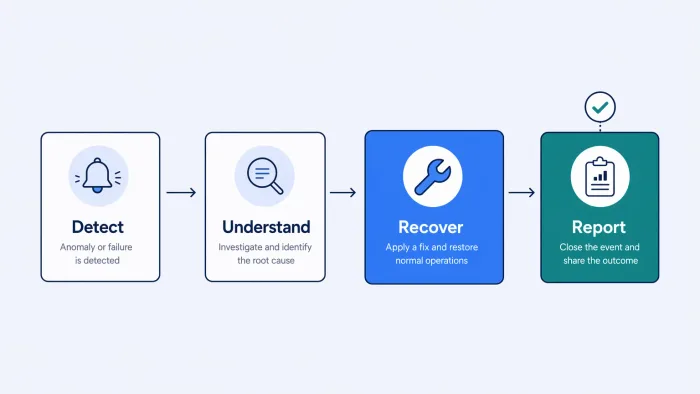
A translated error is progress, but it still leaves a question open: what does this person actually do about it. Guided resolution closes that gap by presenting the error, the affected record, the likely cause, and the available recovery action together, in one place, instead of requiring someone to piece together a fix from a bare description of the problem.
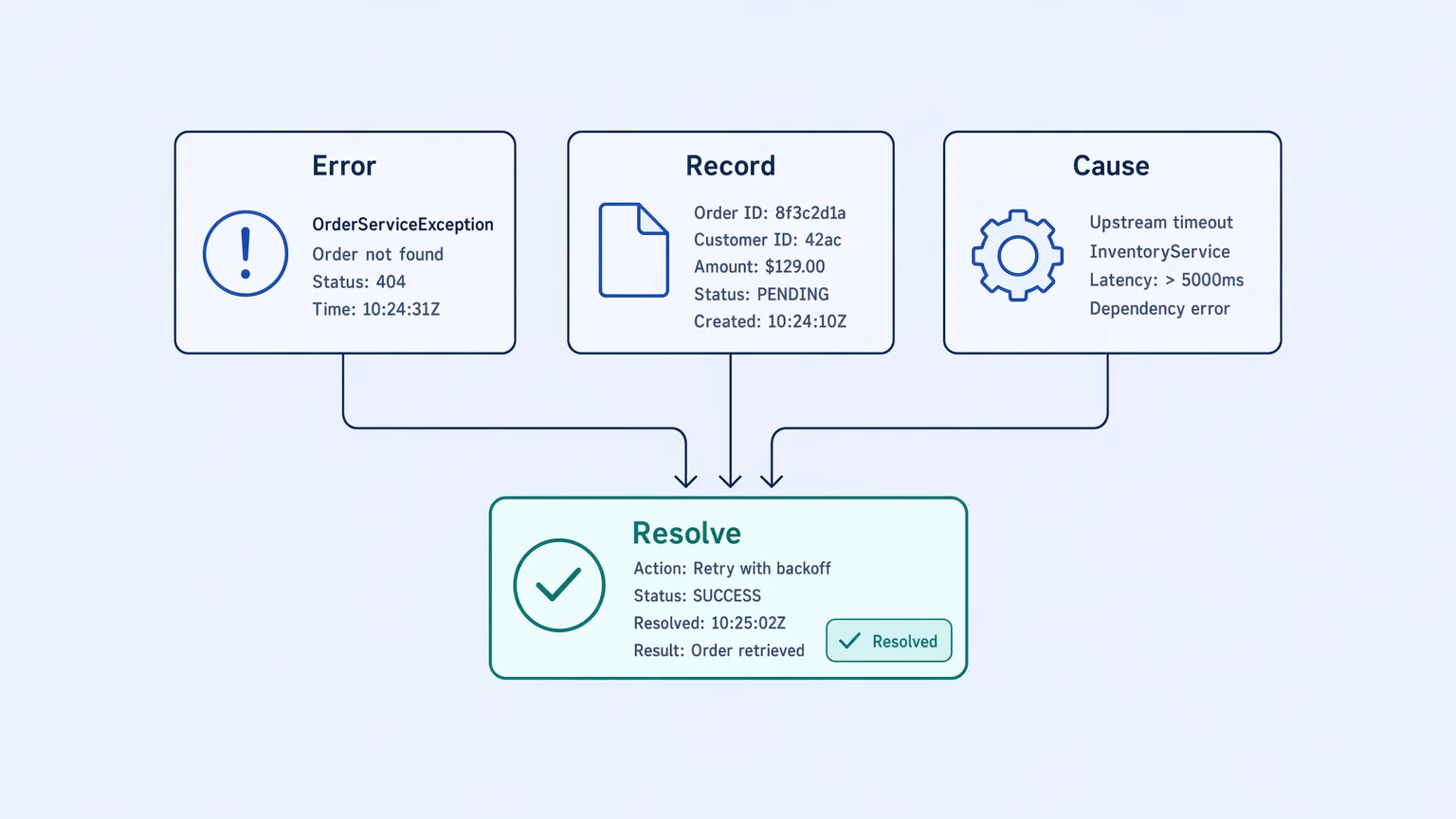
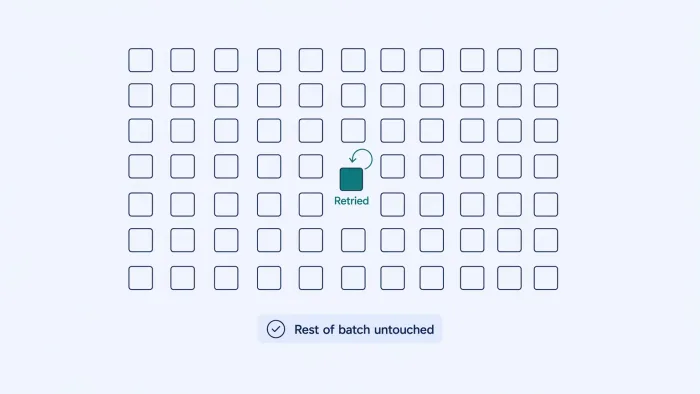
For the shipping-address example, that means the support agent sees the failed record, the field that failed validation, a note that the character limit was exceeded, and a retry action that becomes available once the field is corrected. No lookup across systems, no needing to know which retry endpoint applies to this integration.
"Here's what's wrong" closes nothing. "Here's what to do about it" closes a ticket.
Permissions decide who's allowed to act, not just who understands
Even with a translated error and a guided action, resolution still needs permission to execute. This is where granular access control matters as much as the translation layer: a support agent might be able to view a failure and its context, but only retry a record after confirming the underlying data was corrected — not modify integration configuration, manage credentials, or touch anything outside their scope.
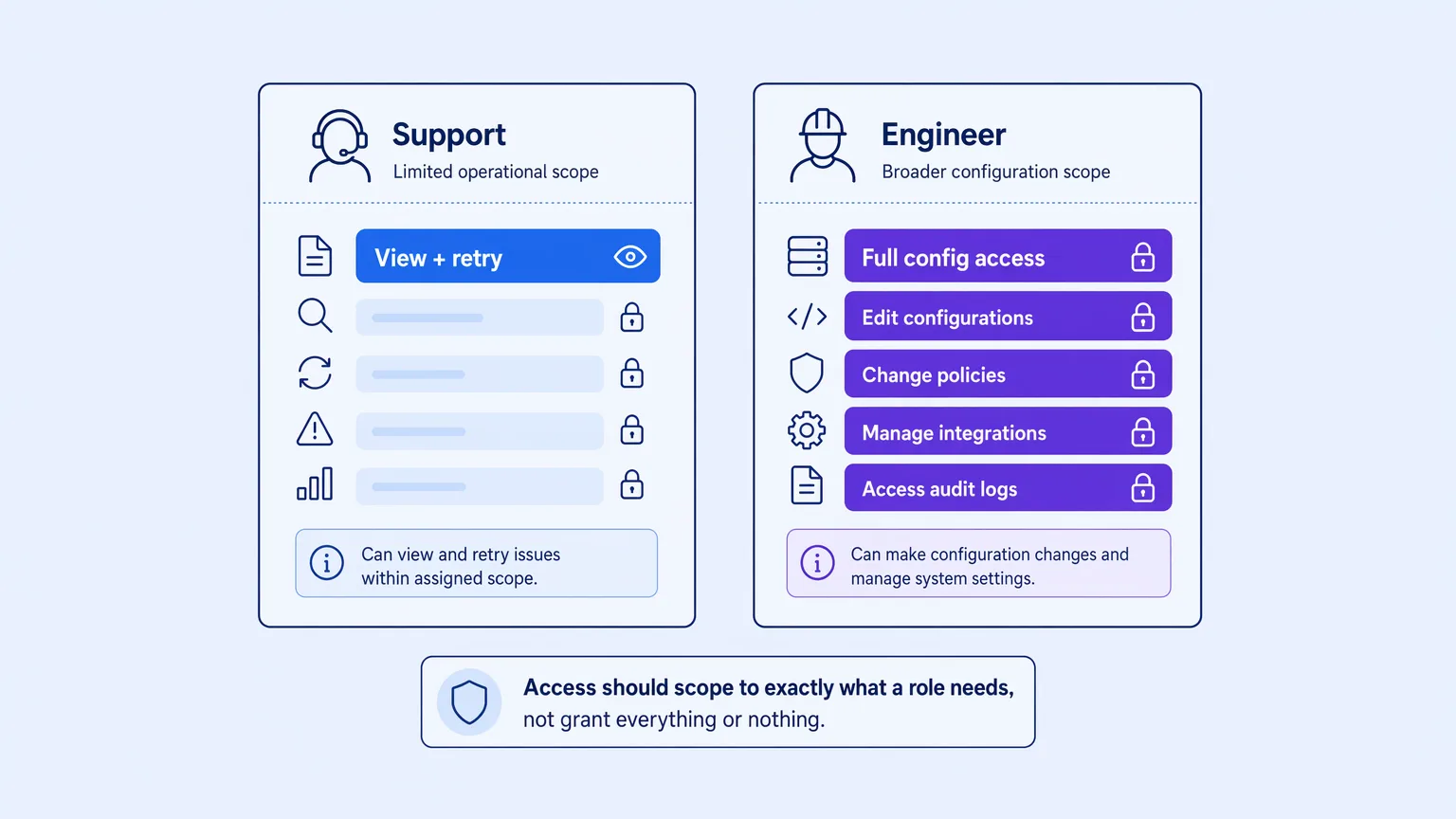
Fine-grained permissions make it possible to extend resolution capability to non-engineering roles without extending engineering-level access alongside it. A support team retries validated records. A business operations lead views failure trends across a domain. Neither needs, or gets, the ability to change how an integration is built.
| All-or-nothing access | Granular permissions | |
|---|---|---|
| Support agent | No access, or full engineering access | View + guided retry only |
| Business ops lead | Waits on an engineering report | Direct access to failure trend reports |
| Engineer | Handles every failure regardless of complexity | Handles only what needs actual judgment |
What still has to go to engineering
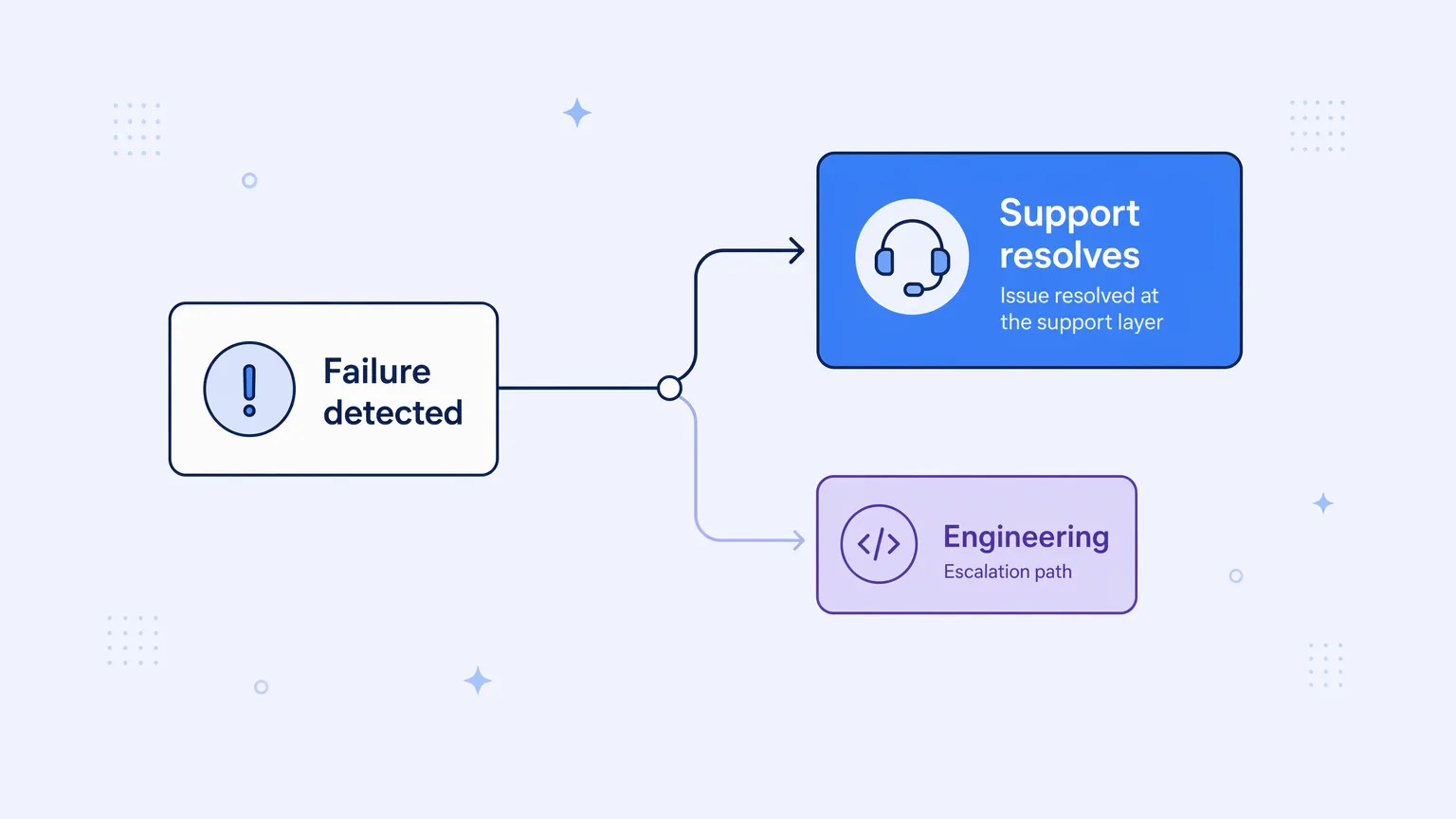
None of this eliminates engineering's role in failure resolution. A validation failure with a clear fix is a different problem than a destination system rejecting records for a reason nobody's seen before, or a mapping that needs to change because an upstream schema changed. Those need someone who can modify the integration itself, not just retry a record within existing rules.
The point isn't removing engineers from the loop. It's making sure the loop only includes them when a failure actually requires their access and judgment, not by default for every fallout regardless of how routine the underlying cause turns out to be.
Built as a permission model, not a workaround
Koodisi Engage pairs business-readable error translation and guided resolution with the access control to back it: what a support agent can see, what they can retry, and where the line sits before something needs to escalate to engineering. That's a deliberate permission model, not a support team finding a workaround to avoid filing tickets.
If every integration failure at your organization currently routes through engineering regardless of whether it needs to, it's worth testing what a permissioned resolution path looks like against your own integrations on Koodisi's Community tier.