
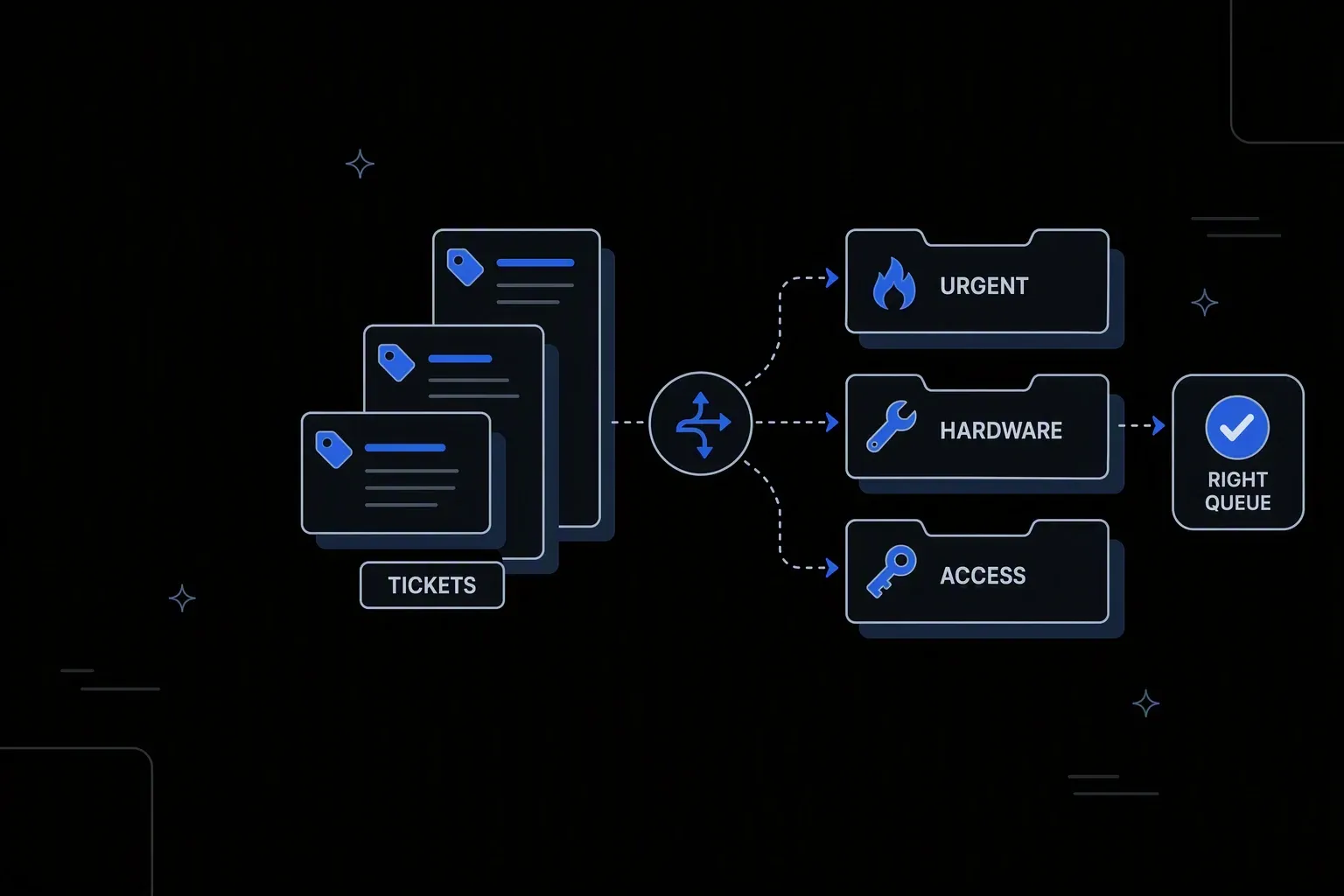
Automate IT Ticket Routing
Route IT tickets to the right team instantly — with zero manual triage.
Right team, first time
Fewer reassignments
Tickets reach the team that can resolve them instead of bouncing between queues on their way there.
Triage without a triager
Capacity returned
The senior engineer who spends their morning sorting the queue gets that morning back.
Priority applied evenly
Consistent service
Urgency is derived from the ticket and the requester, not from how insistently it was written.
One governed workflow across systems that never talked.
- Who it's for
- IT service teams whose queue depends on someone reading, categorising, and assigning every incoming ticket.
- What it does
- A workflow that classifies, prioritises, and assigns tickets on arrival, with the reasoning recorded.
- Systems involved
- Your ITSM platform, identity provider, and messaging tools — connected through the REST Client, with dedicated activities built on request.
- How it stays governed
- Routing and priority rules in decision tables, scoped permissions, and a record of every assignment.
What this looks like today
The friction that makes this workflow expensive to run by hand.
Bouncing
Tickets pass through several queues
A misrouted ticket is reassigned two or three times before reaching someone who can act, and the clock runs throughout.
Cost
Triage consumes senior time
Sorting the queue needs enough context to judge, so it falls to experienced engineers who could be resolving instead.
Inconsistency
Priority depends on wording
Urgency reflects how the requester phrased it rather than actual business impact, so genuinely critical issues queue behind loud ones.
The workflow
How Koodisi runs it
Koodisi automates IT ticket routing based on category, priority, service, or keywords — ensuring every ticket reaches the right team or individual immediately without manual triage.
Take tickets from every intake
Portal submissions, email, and monitoring alerts enter one process, so routing is consistent no matter how the issue was raised.
Webhook and scheduled triggers over the REST Client.
Enrich with what the ticket omits
Requester role, department, location, affected service, and entitlement are looked up, so routing decisions use facts rather than the description alone.
Lookups against identity and asset systems through the REST Client.
Classify and prioritise by rule
Category and urgency are resolved from ticket attributes and business impact in a decision table, so priority means the same thing every time.
Classification rules live where service management can change them.
Assign to the right queue
Skills, coverage hours, and current load determine the team or individual, and the assignment is confirmed rather than assumed.
Retry policies cover transient failures; unconfirmed writes raise a failed run.
Notify with context
The assigned team receives the ticket with the enrichment already attached, so work starts without a round of clarifying questions.
Messaging platforms connect through the REST Client.
Record why it went there
Each ticket carries the values evaluated and the rule matched, so misroutes lead to a rule fix rather than an argument.
Execution logging with before and after state.
Connectivity
The systems in this workflow
Koodisi orchestrates the platforms this workflow touches — through the REST Client today, and through a dedicated activity whenever you need one.




The capability underneath
Every workflow above is assembled from the same governed building blocks — which is why connecting one more system is a day of work, not a project.
Connect to anything
- REST and webhook connectivity with managed authentication (4 activities)
- Secure file transfer over SFTP (5 activities)
- Direct database reads and writes (4 activities)
Move and reshape data
- Translate between CSV, JSON, XML, and fixed-width formats (6 activities)
- Field-level mapping between systems that model data differently
- High-volume batch processing with per-record tracking (7 activities)
Decide and protect
- Decision tables for approval and routing rules your team can read
- Encryption, hashing, and signature verification on sensitive fields
- Retry policies, error handling, and full execution logging
Business systems connect through Koodisi’s REST Client, and our team builds dedicated activities for the ones you depend on — typically within a day of you asking.
Request a system →Governance
Automated, but still under control
Every run is authorised, recorded, and observable — the part that decides whether automation survives an audit.
Routing rules in the open
Classification and priority logic lives in a decision table service management can review and change without engineering.
Every assignment explained
Each ticket records the attributes evaluated, the rule matched, and the resulting assignment with a timestamp.
Scoped control of routing
Permission scopes separate who runs the workflow from who changes the rules that allocate work and set priority.
Requester data masked
Personal details in ticket content are masked in logs so routing records stay operational.
Credentials in Key Vault
ITSM and directory credentials are stored in Key Vault and referenced at run time.
Visible when the queue backs up
Traces show routing latency, so a growing queue is caught before it becomes an SLA breach.
No. Classification runs on rules over ticket attributes and enriched context, which keeps every routing decision explainable and adjustable. That matters more than sophistication when a misroute has to be corrected.
They route to a defined fallback queue rather than sitting unassigned, and unmatched volume is visible in the run record — which usually points to a rule worth adding.
Yes. Priority rules are expressed in a decision table, so the workflow applies the model you already use and service management can change it directly.
ITSM platforms connect through Koodisi's REST Client against any documented API. Where you depend on a specific one, our team builds a dedicated activity — typically within a day.
Tools used in this workflow
Ship integrations faster. Operate them without chaos.
Less time on auth, retries, and deployment scripts. More time on the integrations your customers are asking for.
Contact Sales