
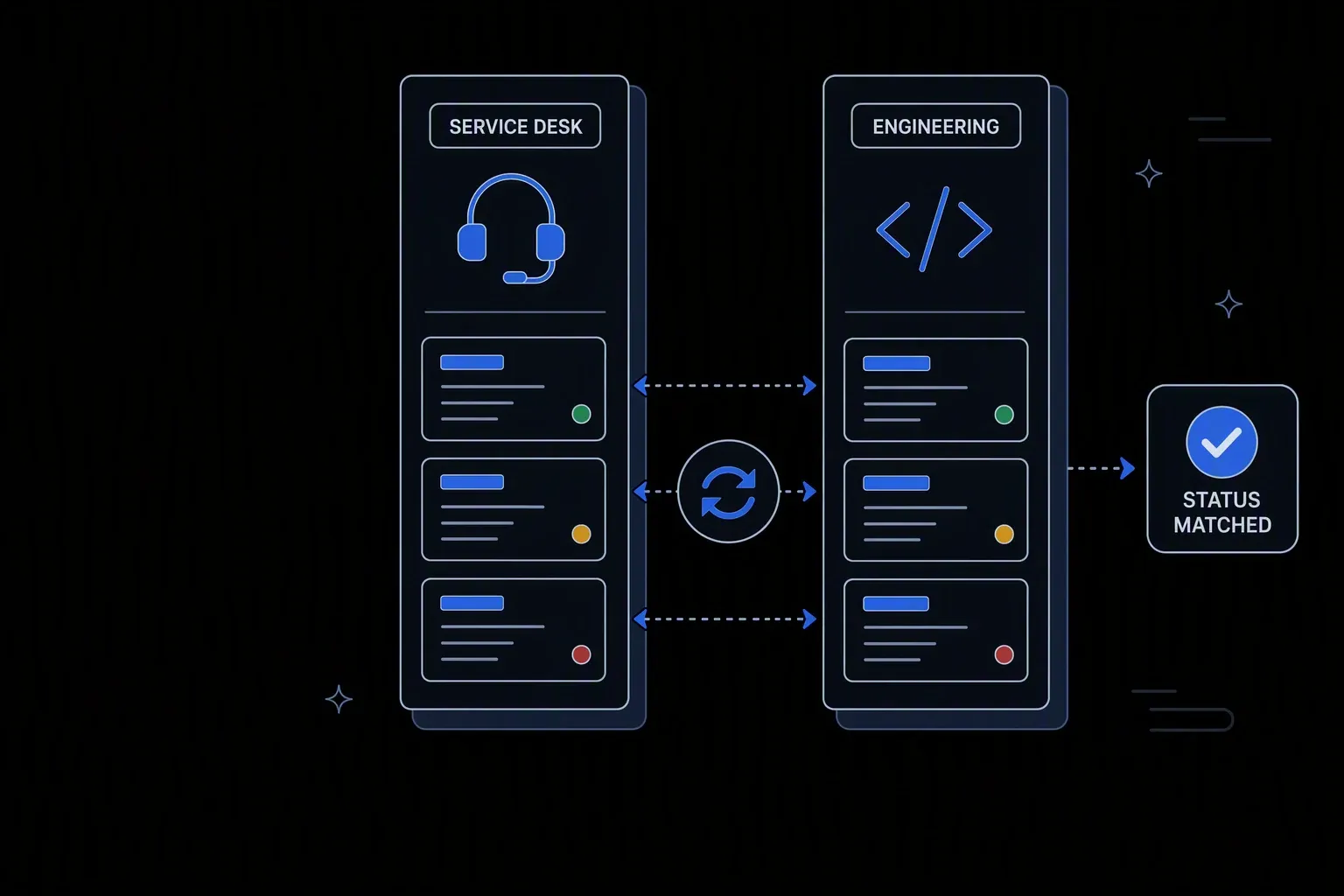
ServiceNow and Jira Integration
Keep IT (ServiceNow) and Engineering (Jira) in sync — automatically.
One issue, both systems
No double entry
Service and engineering each work in their own tool while looking at the same underlying issue.
Status stays honest
Accurate expectations
Progress in engineering is reflected to service without anyone relaying it manually.
Handoffs keep context
Less rework
The detail gathered during triage travels with the issue instead of being re-collected by the next team.
One governed workflow across systems that never talked.
- Who it's for
- IT service and engineering teams working the same issues in different tools with different vocabularies.
- What it does
- A bidirectional integration that links service tickets to engineering issues and keeps status, comments, and context in step.
- Systems involved
- Your ITSM and engineering issue-tracking platforms — connected through the REST Client, with dedicated activities built on request.
- How it stays governed
- Field ownership and status mapping in decision tables, verified writes both ways, and a record of every sync.
What this looks like today
The friction that makes this workflow expensive to run by hand.
Duplication
The same issue, entered twice
A ticket becomes an engineering issue by someone re-typing it, which costs time and loses detail at the boundary.
Staleness
Service does not know what engineering did
Progress lives in the engineering tool, so service teams answer customers with information that is days out of date.
Vocabulary
The two tools disagree on terms
Priorities, statuses, and types do not map cleanly, so translation happens in people's heads and inconsistently.
The workflow
How Koodisi runs it
Koodisi automates bidirectional sync between ServiceNow and Jira — so IT can manage incidents in ServiceNow while engineering tracks work in Jira, with data flowing seamlessly between both.
Create the link once
When a ticket needs engineering work, the corresponding issue is created with the triage context already attached and the two records linked.
Creation and linking through the REST Client.
Map the vocabularies
Priorities, statuses, and issue types are translated between the two models in a decision table, so both tools stay idiomatic to their users.
Mapping rules live where both teams can review them.
Sync status in both directions
Progress in engineering updates the service ticket and vice versa, with each field owned by exactly one side to prevent overwrite loops.
Field ownership defined per direction.
Carry comments across selectively
Comments intended to be shared travel between systems; internal engineering discussion stays internal.
Visibility rules defined in the mapping table.
Verify each write
Updates are read back and confirmed, so a failed sync surfaces immediately rather than leaving the two systems quietly divergent.
Retry policies cover transient failures; mismatches raise a failed run.
Record the exchange
Each sync leaves a record of what moved in which direction, which is what makes a disagreement between the tools diagnosable.
Execution logging with before and after state.
Connectivity
The systems in this workflow
Koodisi orchestrates the platforms this workflow touches — through the REST Client today, and through a dedicated activity whenever you need one.




The capability underneath
Every workflow above is assembled from the same governed building blocks — which is why connecting one more system is a day of work, not a project.
Connect to anything
- REST and webhook connectivity with managed authentication (4 activities)
- Secure file transfer over SFTP (5 activities)
- Direct database reads and writes (4 activities)
Move and reshape data
- Translate between CSV, JSON, XML, and fixed-width formats (6 activities)
- Field-level mapping between systems that model data differently
- High-volume batch processing with per-record tracking (7 activities)
Decide and protect
- Decision tables for approval and routing rules your team can read
- Encryption, hashing, and signature verification on sensitive fields
- Retry policies, error handling, and full execution logging
Business systems connect through Koodisi’s REST Client, and our team builds dedicated activities for the ones you depend on — typically within a day of you asking.
Request a system →Governance
Automated, but still under control
Every run is authorised, recorded, and observable — the part that decides whether automation survives an audit.
Mapping rules in the open
Status and priority translation lives in a decision table both teams can read, rather than being implied by code.
Every sync recorded
Each transfer logs direction, fields, and values with before and after state.
Customer data masked
Customer details in ticket content are masked in logs so sync records can be reviewed safely.
Scoped permissions
Permission scopes separate who runs the sync from who changes field ownership and mapping rules.
Credentials in Key Vault
Both platforms' credentials are stored in Key Vault and referenced at run time.
Traced per direction
Traces distinguish inbound from outbound failures rather than reporting one aggregate status.
No. The mapping layer translates between the two models, so each team keeps the vocabulary and workflow their tool is built around.
Only if you configure it that way. Visibility rules define which comments cross the boundary, and the default is that internal discussion stays internal.
Each field is owned by one side. A system only writes fields it does not own, so bidirectional sync converges rather than the two tools overwriting each other.
Both platforms connect through Koodisi's REST Client against their documented APIs. Where you depend on a specific one, our team builds a dedicated activity — typically within a day.
Tools used in this workflow
Ship integrations faster. Operate them without chaos.
Less time on auth, retries, and deployment scripts. More time on the integrations your customers are asking for.
Contact Sales