
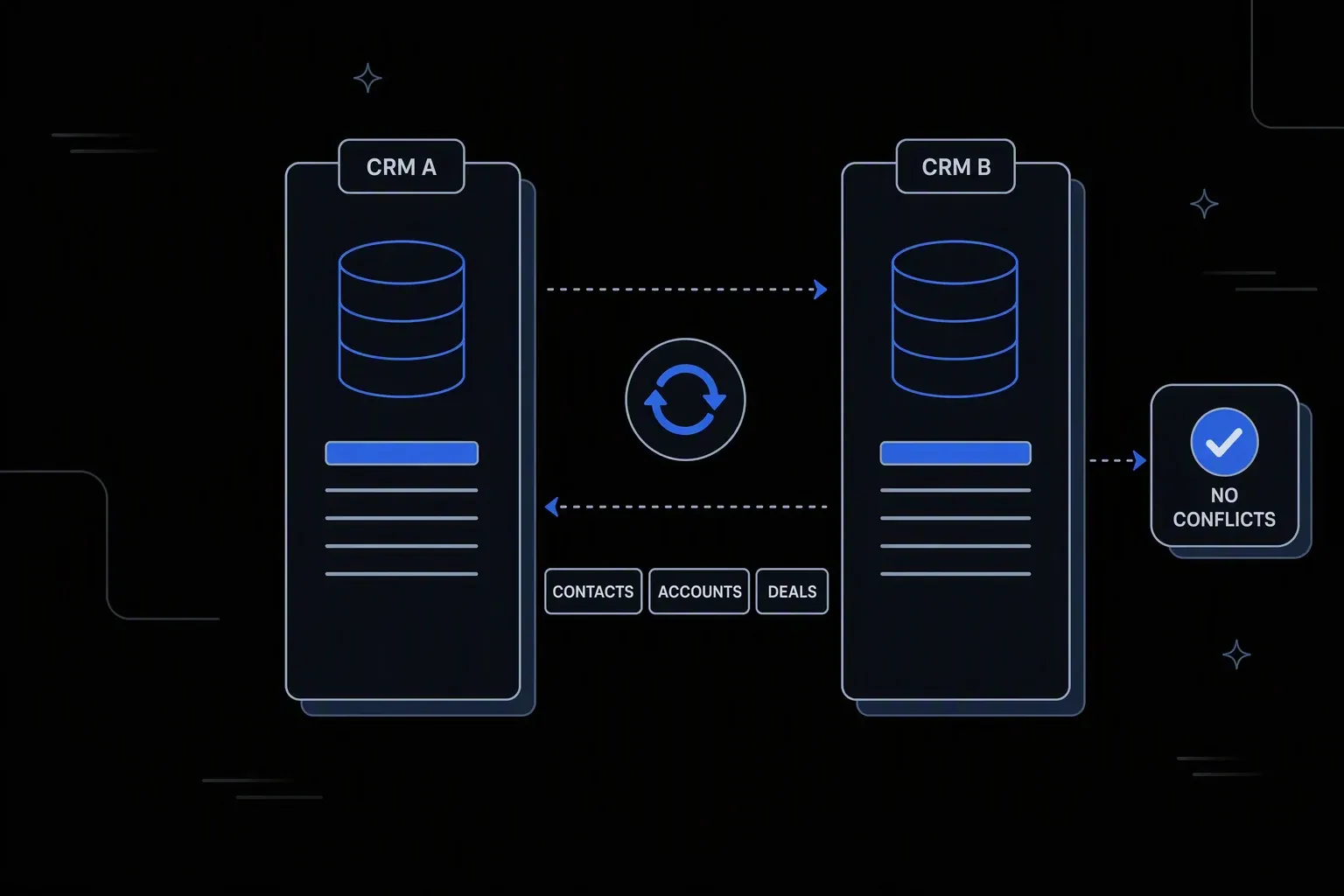
HubSpot Salesforce Sync Automation
Keep HubSpot and Salesforce in perfect sync — in real time.
Two systems, one record
Consistency
Contacts, accounts, and opportunities agree across both platforms instead of diverging between syncs.
No sync loops
Stable data
Field ownership is decided up front, so bidirectional sync converges rather than overwriting in circles.
Conflicts surface
Visible disagreements
When both sides change the same field, the conflict is recorded and resolved by rule rather than by timing.
One governed workflow across systems that never talked.
- Who it's for
- Revenue operations teams running marketing in one platform and sales in another, needing both to agree.
- What it does
- A bidirectional integration that keeps contacts, accounts, and pipeline consistent with explicit ownership per field.
- Systems involved
- Your marketing automation and CRM platforms — connected through the REST Client, with dedicated activities built on request.
- How it stays governed
- Field ownership and conflict rules in decision tables, verified writes both ways, and a record of every sync.
What this looks like today
The friction that makes this workflow expensive to run by hand.
Divergence
The same contact, two versions
Marketing and sales each update their own platform, and the records drift until nobody can say which is right.
Loops
Bidirectional sync fights itself
Without defined ownership, each system overwrites the other in turn, producing churn that looks like activity but changes nothing.
Attribution
The handoff loses its history
Campaign context does not survive the trip into the CRM, so closed revenue cannot be traced to what generated it.
The workflow
How Koodisi runs it
Koodisi automates the bidirectional sync between HubSpot and Salesforce — contacts, deals, campaign attribution, and custom fields — without the limitations of the native HubSpot Salesforce connector.
Decide ownership field by field
Each field gets one authoritative system, which is what stops bidirectional sync from becoming a loop of mutual overwrites.
Ownership rules defined in a decision table.
Match records reliably
Contacts and accounts are matched on normalised identifiers rather than raw values, so the sync updates rather than duplicates.
Normalisation before matching; unmatched records are flagged.
Sync in both directions
Each platform receives the fields it does not own, in the shape it expects, on the cadence that fits how quickly those fields change.
Field mapping and format conversion per direction.
Resolve conflicts by rule
When both sides changed the same field, the ownership rule decides and the losing value is recorded rather than discarded silently.
Conflicts are logged for review, not just resolved.
Carry the context across
Campaign and engagement history travels with the record, so revenue can be traced back to what generated it.
Mapped into CRM fields the reporting model already uses.
Verify and record
Every write is read back and confirmed, and each cycle leaves a record of what synced, conflicted, and failed.
Retry policies for transient failures; execution logging per record.
Connectivity
The systems in this workflow
Koodisi orchestrates the platforms this workflow touches — through the REST Client today, and through a dedicated activity whenever you need one.





The capability underneath
Every workflow above is assembled from the same governed building blocks — which is why connecting one more system is a day of work, not a project.
Connect to anything
- REST and webhook connectivity with managed authentication (4 activities)
- Secure file transfer over SFTP (5 activities)
- Direct database reads and writes (4 activities)
Move and reshape data
- Translate between CSV, JSON, XML, and fixed-width formats (6 activities)
- Field-level mapping between systems that model data differently
- High-volume batch processing with per-record tracking (7 activities)
Decide and protect
- Decision tables for approval and routing rules your team can read
- Encryption, hashing, and signature verification on sensitive fields
- Retry policies, error handling, and full execution logging
Business systems connect through Koodisi’s REST Client, and our team builds dedicated activities for the ones you depend on — typically within a day of you asking.
Request a system →Governance
Automated, but still under control
Every run is authorised, recorded, and observable — the part that decides whether automation survives an audit.
Ownership rules in the open
Which platform owns each field is written in a decision table, which is the difference between stable sync and endless overwrites.
Every sync recorded
Each cycle logs what was read, written, and conflicted, with before and after state per record.
Contact data masked
Personal contact details are masked in logs so sync records can be reviewed without exposing your database.
Scoped permissions
Permission scopes separate who runs the sync from who changes ownership and conflict rules.
Credentials in Key Vault
Both platforms' credentials are stored in Key Vault and referenced at run time.
Traced per direction
Traces distinguish inbound from outbound failures rather than reporting one aggregate status.
Every field has one authoritative platform defined up front. A system only writes fields it does not own, so the sync converges instead of the two sides overwriting each other in turn.
The ownership rule decides, and the losing value is recorded rather than silently discarded. Recurring conflicts on a field usually mean the ownership rule needs revisiting.
Yes. Contacts, accounts, and opportunities are handled independently, each with its own ownership rules and cadence.
Both platforms connect through Koodisi's REST Client against their documented APIs. Where you depend on a specific one, our team builds a dedicated activity — typically within a day.
Tools used in this workflow
Ship integrations faster. Operate them without chaos.
Less time on auth, retries, and deployment scripts. More time on the integrations your customers are asking for.
Contact Sales