
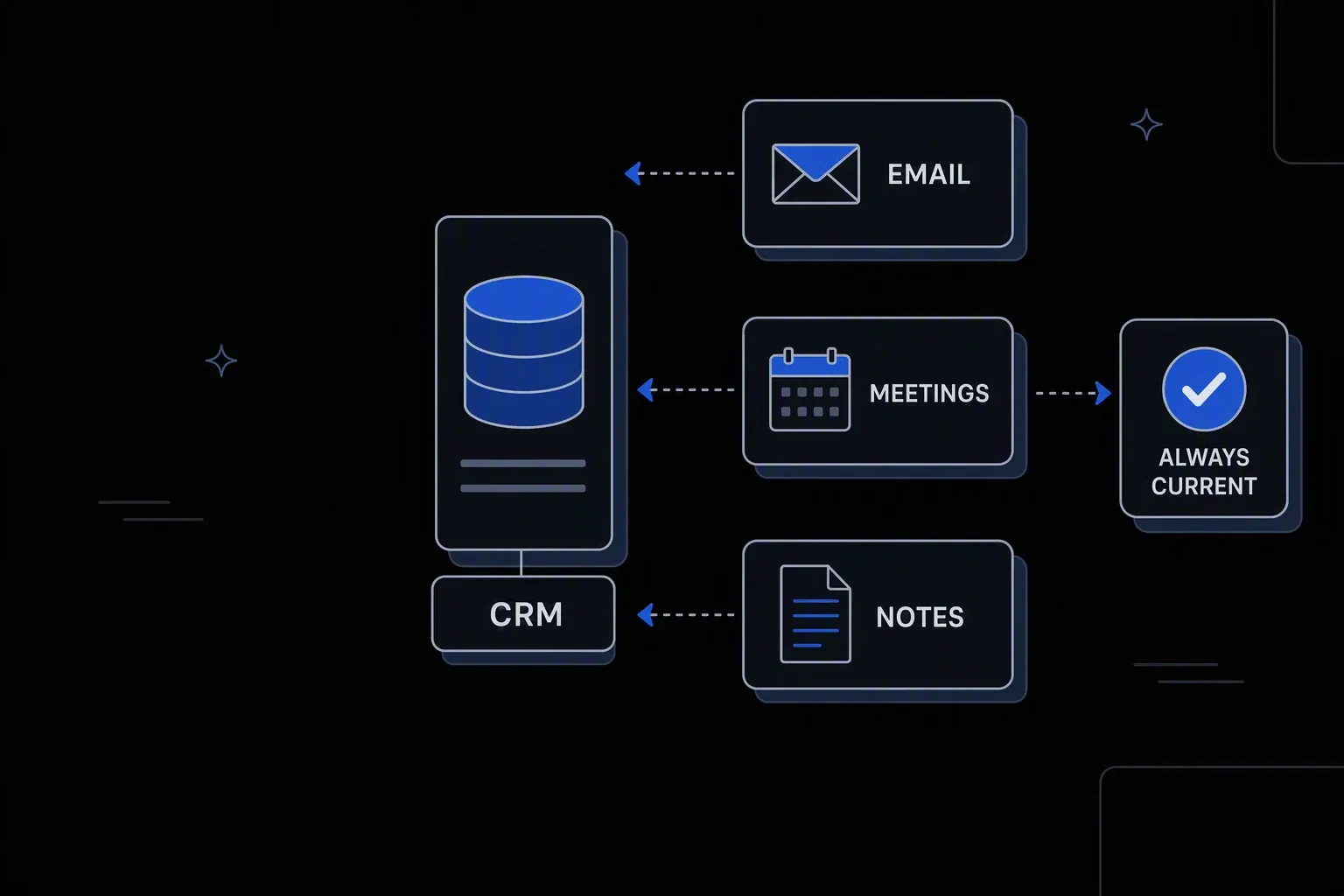
CRM Automation
Automate your CRM data entry, updates, and sync — so reps can sell.
Records that stay current
Data quality
Account and contact data is updated from authoritative sources rather than depending on reps to maintain it.
Selling time returned
Rep productivity
Admin work that sits between the rep and the customer — logging, updating, chasing — runs without them.
Forecasts built on facts
Reliable reporting
Stage changes and activity are recorded consistently, so pipeline reports reflect reality.
One governed workflow across systems that never talked.
- Who it's for
- Sales and revenue operations teams whose CRM only reflects reality when reps have time to update it.
- What it does
- A set of governed workflows that maintain CRM data, enforce process, and remove manual record-keeping from selling time.
- Systems involved
- Your CRM plus the systems holding product, billing, and support signals — connected through the REST Client, with dedicated activities built on request.
- How it stays governed
- Field-level update rules, scoped permissions, and a full record of every automated change.
What this looks like today
The friction that makes this workflow expensive to run by hand.
Decay
The CRM is out of date by default
Records reflect the last time someone had time to update them, so reporting is built on data everyone privately distrusts.
Admin
Reps spend selling time on data entry
Logging activity, updating stages, and copying data between systems consumes hours that were meant for customers.
Process
Stage discipline varies by person
What a stage means differs between reps, so pipeline reports compare things that are not comparable.
The workflow
How Koodisi runs it
Koodisi automates CRM workflows — from data entry to pipeline stage updates to cross-tool sync — eliminating the manual CRM admin work that keeps reps from selling.
Bring in the signals reps do not enter
Product usage, billing status, and support history are read from the systems that hold them, so records reflect more than what someone typed.
Reading through the REST Client on schedules or change events.
Standardise before writing
Names, domains, industries, and identifiers are normalised so matching works and duplicate records stop multiplying.
Field mapping and format conversion before write.
Apply update rules per field
A decision table defines which source wins for each field, so automation enriches records without overwriting what a rep knows better.
Field-level ownership rules keep automation and humans out of each other's way.
Enforce process where it matters
Stage requirements, required fields, and hygiene checks are applied consistently, with exceptions routed rather than silently allowed.
Rules live in decision tables sales operations can adjust.
Write back and confirm
Updates are applied and verified, so a failed write is visible rather than leaving a record that looks maintained but is not.
Retry policies for transient failures; unconfirmed writes raise a failed run.
Record what changed
Every automated change is logged with its source and prior value, so a surprised rep can see exactly what happened and why.
Execution logging with before and after state.
Connectivity
The systems in this workflow
Koodisi orchestrates the platforms this workflow touches — through the REST Client today, and through a dedicated activity whenever you need one.





The capability underneath
Every workflow above is assembled from the same governed building blocks — which is why connecting one more system is a day of work, not a project.
Connect to anything
- REST and webhook connectivity with managed authentication (4 activities)
- Secure file transfer over SFTP (5 activities)
- Direct database reads and writes (4 activities)
Move and reshape data
- Translate between CSV, JSON, XML, and fixed-width formats (6 activities)
- Field-level mapping between systems that model data differently
- High-volume batch processing with per-record tracking (7 activities)
Decide and protect
- Decision tables for approval and routing rules your team can read
- Encryption, hashing, and signature verification on sensitive fields
- Retry policies, error handling, and full execution logging
Business systems connect through Koodisi’s REST Client, and our team builds dedicated activities for the ones you depend on — typically within a day of you asking.
Request a system →Governance
Automated, but still under control
Every run is authorised, recorded, and observable — the part that decides whether automation survives an audit.
Field ownership in a table
Which source wins for each field is written where sales operations can review it, so automation never quietly overwrites human knowledge.
Every change traceable
Automated updates log their source and the prior value, so any record can be explained rather than argued about.
Scoped permissions
Permission scopes separate who runs the workflows from who changes the rules governing customer data.
Contact data masked
Personal contact details are masked in logs so operational records do not become a copy of your customer database.
Credentials in Key Vault
CRM and source system credentials are stored in Key Vault and referenced at run time.
Traced per workflow
OpenTelemetry traces show which sync is failing rather than reporting one aggregate status.
Only where you decide it should. Field-level ownership rules define which source wins per field, so enrichment fills gaps and updates system-owned values without touching what a rep knows better.
Yes. Required fields and stage criteria are applied consistently, with exceptions routed to sales operations rather than silently allowed or hard-blocked.
Records are normalised before matching, which prevents most duplicates from being created. Existing ones can be surfaced by the same matching rules for review.
CRM platforms connect through Koodisi's REST Client against any documented API. Where you depend on a specific one, our team builds a dedicated activity — typically within a day.
Tools used in this workflow
Ship integrations faster. Operate them without chaos.
Less time on auth, retries, and deployment scripts. More time on the integrations your customers are asking for.
Contact Sales