
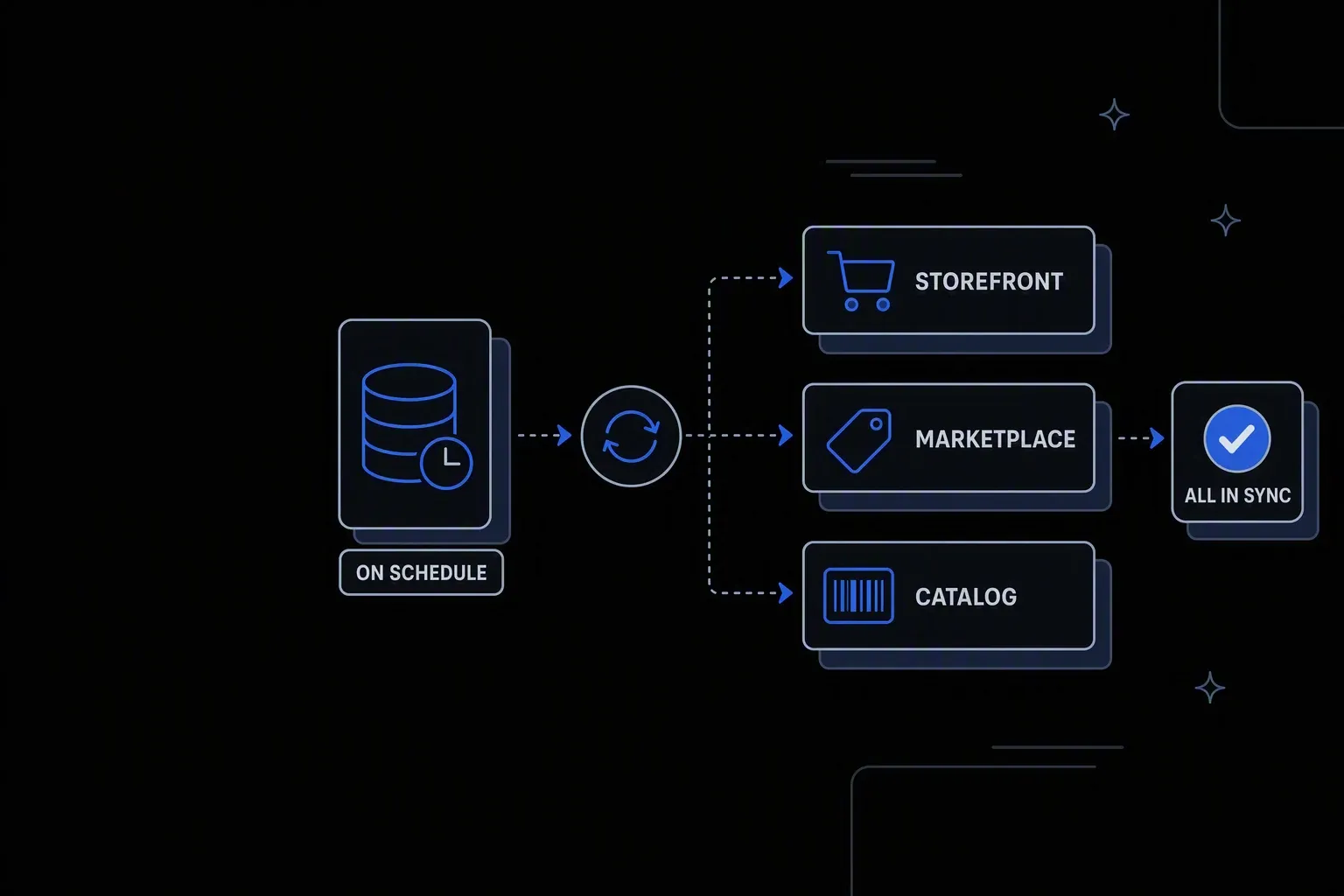
Automate Inventory Updates
Keep inventory data accurate across every channel — automatically.
Channels stay current
Accurate availability
Every storefront and marketplace reflects what the warehouse actually holds, without a person pushing updates.
No spreadsheet round trip
Effort saved
The export, edit, and re-upload cycle that consumes merchandising time disappears.
Failures are visible
Reliability
A channel that rejects an update raises a failed run instead of quietly keeping a stale number.
One governed workflow across systems that never talked.
- Who it's for
- Retail and eCommerce teams publishing stock levels to multiple channels that each want the data in their own shape.
- What it does
- A scheduled workflow that reads authoritative stock levels and publishes them to every sales channel in the format each requires.
- Systems involved
- Your inventory source and every channel that displays availability — connected through the REST Client, with dedicated activities built on request.
- How it stays governed
- Scoped credentials per channel, verified writes, and a complete record of every publish cycle.
What this looks like today
The friction that makes this workflow expensive to run by hand.
Manual
Updating channels is somebody's morning
Exporting from one system, reshaping in a spreadsheet, and uploading to each channel is a daily task that scales with channel count.
Format
Every channel wants it differently
Column names, identifiers, and file formats differ per channel, so one export never fits and each needs its own handling.
Silence
Rejected uploads go unnoticed
A failed upload leaves the old figure in place. Nobody finds out until a customer orders something that is not there.
The workflow
How Koodisi runs it
Koodisi automates inventory updates triggered by orders, returns, and supplier receipts — ensuring every system reflects the current stock position without manual intervention.
Read the authoritative levels
Stock is read from the system of record on a schedule matched to how fast your inventory actually moves.
Scheduled triggers reading through the REST Client.
Shape it per channel
Each channel gets identifiers, units, and formats in the structure it expects, so no manual reformatting stands between the warehouse and the storefront.
Conversion across CSV, JSON, XML, and fixed-width formats.
Apply publishing rules
Buffers, minimum thresholds, and channel-specific holdbacks are applied so you publish a deliberate number rather than a raw count.
Rules are defined per channel and product group.
Publish and confirm acceptance
Updates are sent and the result checked, so a rejected batch is a visible failure rather than an assumed success.
Retry policies for transient failures; unconfirmed writes raise a failed run.
Record the cycle
Each run records what was published to which channel, what was held back, and what failed.
Execution logging with per-channel status.
Connectivity
The systems in this workflow
Koodisi orchestrates the platforms this workflow touches — through the REST Client today, and through a dedicated activity whenever you need one.





The capability underneath
Every workflow above is assembled from the same governed building blocks — which is why connecting one more system is a day of work, not a project.
Connect to anything
- REST and webhook connectivity with managed authentication (4 activities)
- Secure file transfer over SFTP (5 activities)
- Direct database reads and writes (4 activities)
Move and reshape data
- Translate between CSV, JSON, XML, and fixed-width formats (6 activities)
- Field-level mapping between systems that model data differently
- High-volume batch processing with per-record tracking (7 activities)
Decide and protect
- Decision tables for approval and routing rules your team can read
- Encryption, hashing, and signature verification on sensitive fields
- Retry policies, error handling, and full execution logging
Business systems connect through Koodisi’s REST Client, and our team builds dedicated activities for the ones you depend on — typically within a day of you asking.
Request a system →Governance
Automated, but still under control
Every run is authorised, recorded, and observable — the part that decides whether automation survives an audit.
Every publish recorded
Each cycle logs the values sent per channel with before and after state, so a disputed figure can be traced.
Per-channel credentials in Key Vault
Each channel's credentials are stored in Key Vault and referenced at run time rather than shared in a step.
Publishing rules you can read
Buffers and holdbacks live in decision tables, so merchandising can adjust them without engineering.
Scoped permissions
Permission scopes separate who can run a publish from who can change the rules that govern it.
Visible per channel
Traces show which channel is slow or failing rather than reporting one aggregate success.
Cost data masked
Cost and margin fields are masked in logs so publishing records stay operational rather than commercial.
As often as your channels allow — the limit is usually the channel's own rate limits rather than the workflow. Different channels can run on different cadences within the same process.
Yes. Buffers and holdbacks are defined per channel and product group in decision tables, so you publish a deliberate figure rather than the raw count.
The run fails with the channel and payload identified rather than leaving a stale figure in place silently. Retry policies handle transient errors first.
Marketplaces and storefronts connect through Koodisi's REST Client against any documented API. Where you depend on a specific one, our team builds a dedicated activity — typically within a day.
Tools used in this workflow
Ship integrations faster. Operate them without chaos.
Less time on auth, retries, and deployment scripts. More time on the integrations your customers are asking for.
Contact Sales